

Introduction
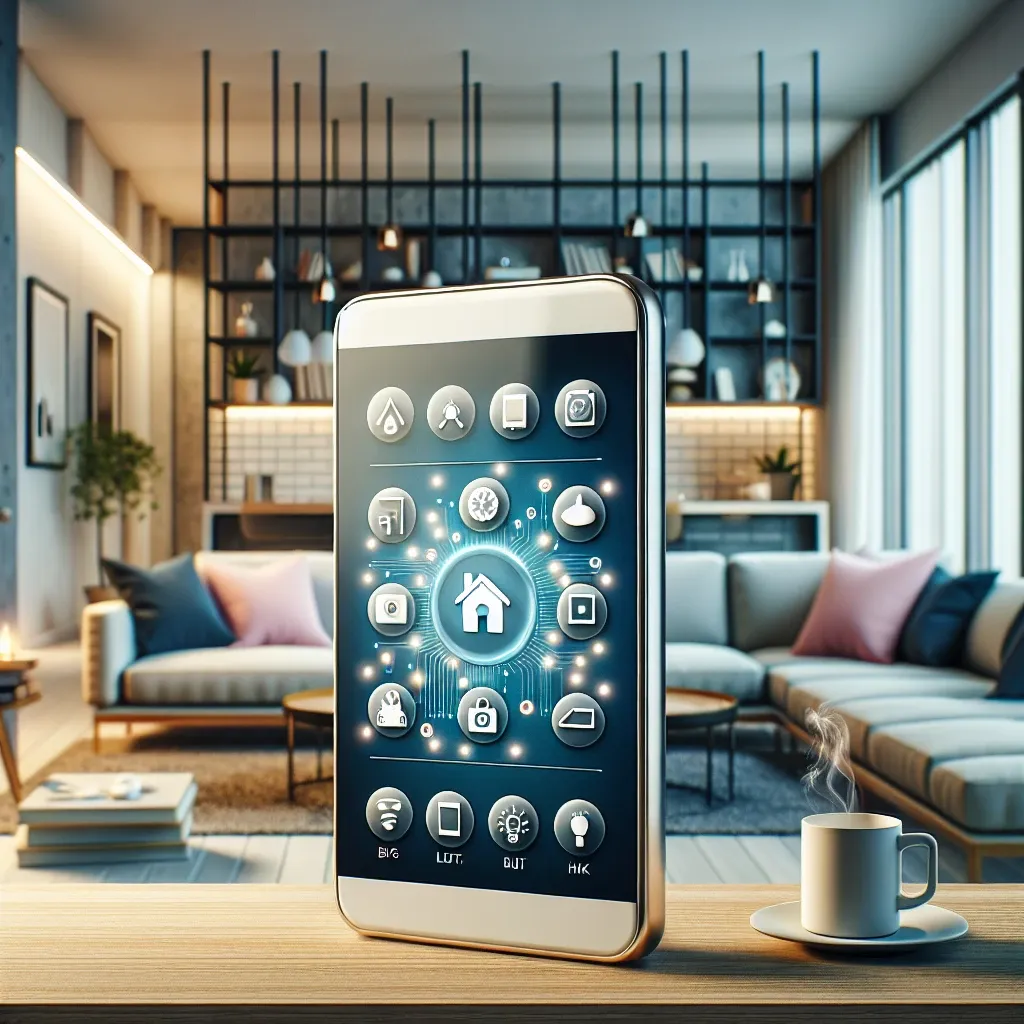
Smart homes are becoming increasingly popular, and for good reason. They offer convenience, energy efficiency, and enhanced security. One of the most exciting aspects of a smart home is the ability to control various devices remotely. In this article, we’ll explore how to use your phone as a remote control for your smart home.
Benefits of Using Your Phone as a Remote Control
- Convenience: Access and control your devices from anywhere, eliminating the need for multiple remotes.
- Customization: Tailor settings and routines to fit your lifestyle, enhancing your smart home experience.
- Energy Efficiency: Monitor and manage power consumption to reduce energy bills.
- Enhanced Security: Keep an eye on your home through smart cameras and receive alerts on suspicious activity.
Compatible Apps for Smart Home Control
To use your phone effectively as a remote control, you’ll need the right apps. Here are some popular options:
- Google Home: Integrate and control Google-compatible devices with ease.
- Apple HomeKit: For Apple device users, HomeKit enables seamless control of smart devices.
- Amazon Alexa: Use Alexa to voice control devices as you manage them through the app.
- SmartThings: A versatile hub that connects with various brands and devices for centralized control.
Setting Up Your Phone for Smart Home Control
1. Choose Your Ecosystem
Decide on a smart home ecosystem (Google, Apple, Amazon) that suits your needs and preferences.
2. Install Required Apps
Download relevant apps on your smartphone to ensure all smart devices are compatible.
3. Add Devices
Follow the instructions in each app to add your smart devices. This typically involves connecting devices to Wi-Fi and linking them to your chosen app.
4. Create Routines
Utilize routines and automations to streamline control. For instance, set up a morning routine that turns on lights and coffee makers with one command.
Tips for Effective Control
- Stay Updated: Regularly update apps and device firmware for optimal performance.
- Security: Use strong passwords and enable two-factor authentication to protect your devices.
- Explore Third-Party Apps: Investigate additional apps that can integrate and improve your smart home experience.
Conclusion
Using your phone as a remote control for your smart home puts convenience and efficiency at your fingertips. With the right setup and apps, you can create a fully integrated smart home system that suits your lifestyle. Start taking control today and discover the limitless possibilities of smart technology!

Leave a Reply